- Jimi's Insights
The Problem
Many developments are based on business assumptions, not real data. If we don't understand the real frustrations and motivations of our users, we end up building a product that doesn't solve a real problem. This leads to unnecessary costs and a fatal departure from market needs.Our Solution
We use a targeted method. This process helps us identify critical pain points, so that during development we can build on specific, validated needs rather than tips.
Bridging the Gap: Aligning Business Goals with User Needs
As UX designers, our challenge is to help develop a product or service in such a way where we create value on both the business and user side with our solutions. What tools can we use for this? Here is a quick & effective method how to validate business-side pain points with the real user needs.
Let UX Drive Your Next Product Move
I’m sure you’ve come across the following — when a business owner feels that his turnover has stopped or his market environment gives clear signals that what was enough for his business until now will not be enough in the future. Don’t panic, it’s a natural period in every business lifetime.
Usually the business side always has an idea of what the problems and what the solutions are. BUT the big question is always — which you have to ask yourself — to what extent these ideas are in sync with the real needs of users. A UX team can help a lot at this point. It can defines directions for product or service development that represent real problem solving. Addition it create results, satisfaction and value on both the business and customer sides.
How can we move forward in this case? To solve this decision situation I would like to present a simple and fast ux method that can be easily incorporated into everyday routine processes!
Let’s see! 🤩 What does this process look like?
- Let’s make a workshop with the business-side. Define pain points in the and make a priorized challenge list!
- Go to the user-side validations! Let’s validate the business-side problems with the real user needs (and open new pain-points)!
- Let’s synthesize the results and build up a finalized challenge list which will be able to compile the most effective task list for support real business and user needs!
...
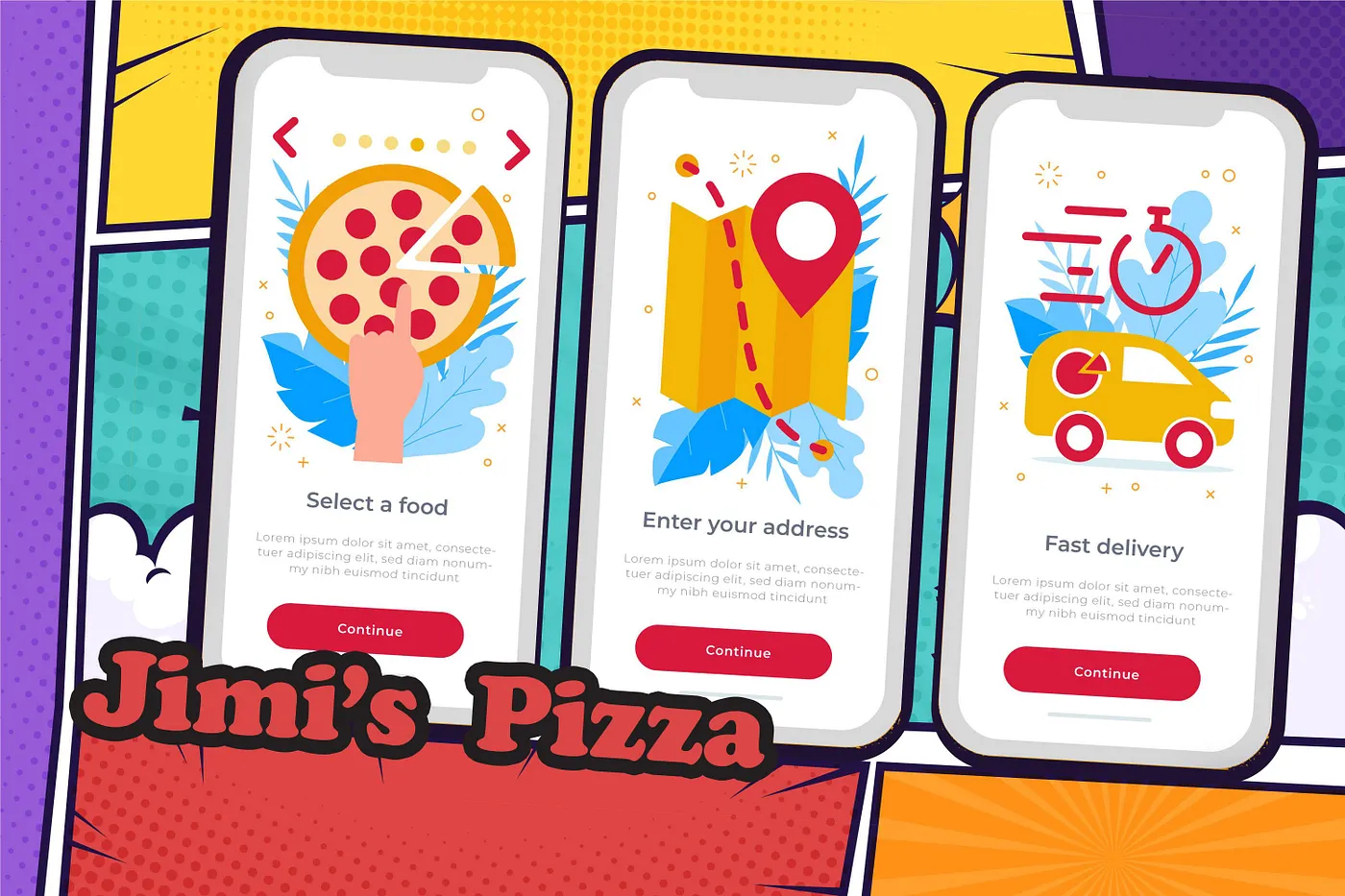
Next - for the sake of simplicity - I will use a fictitious demo environment to demonstrate this UX process! Let our product be the application of Jimi’s Pizza.
What’s happening?
Jimi - the owner of the pizzeria - perceives that there is a high dropout of orders. Almost half of the users who start the ordering process do not complete it. Let’s see how can we help Jimi :-)
Step 01 📝 Make a workshop with the business-side!
First, let’s organize a workshop with the business-side. Important that you try to invite a colleague from each department whose work is related to the given service. It’s important to explore the pain points in the widest possible perspective. In addition to management, it is worth inviting a colleague from product development, customer service or even pizza couriers in the case of our demo project. If you would an effective workshop you can limit the number of participants. I recommend that the number of participants shouldn’t be higher than 10 people. (It’s an important key to maintaining adequate interest and activity!)
Usually we use the simplified process of the “Sailing Boat” method in these workshops. This is a simple, fast and targeted process which is to be able to define a prioritized pain point list from the business-side and build up challenges within a short period of time. Basically — over 5 steps — we arrive to a list of prioritized challenges based pain points and got a list which the business side can uniformly accept and define as a business challenge to move forward to solutions.
Very important to start with positive values in every case. Using the “Sailing Boat” analogy, in the first step we look what gives the wind to the sails. Let’s look at the features that currently represent a positive value for the product. In this step, each participant writes down their insights on separate notes in 4 minutes. At the end of this part everyone presents own insights one by one and sticks them to the level of our ship’s sail.
After that comes the “black soup”. Each participant has 4 minutes to describe the features that is “holding our ship back” at the moment. When everyone finished — same to listing the positives — they read out, explain and stick their pain points to the “iron cat level” of our ship one by one. It’s important to allow time for everyone to explain exactly the pain points what determined and for everyone to understand them!
While the participants of the workshop present our pain points in the background let’s group the same points.
After the pain points have been grouped let’s prioritize them. We can use for this a quick poll method. Let’s check which problem groups are the most important to the participants. Give 3 minutes and 3 voting opportunities per person. They can use this to flag the issues what they think are the most important from their point of view. (It’s important that they can give more votes for a pain point group!) That’s it! Based on the number of votes we get the list of prioritize pain points group!
After that, in the last part we will have only one task with our prioritized groups - transform them into challenges together. To end of this step we get a prioritized list of challenges - avoiding the dominance and distortion of opinion leaders — that reflects the true opinion and needs of the business side.

Step 02 💬 Go to the user-side validations!
Now that we have a list of the main challenges from the business-side, it’s time to cross-check it with user feedbacks. Don’t forget, we have to define real needs and problems that create value to the users (not only for the business)!
We have two main goals in this phase: to validate the results of the business-side with the users, and explore new pain points from the user side!
But how can we reach our target group and how should we ask them?
In the case of Jimi’s application we choose three options.
Option 01:
This is an onsite survey that we will make available to our active users through the application. For this purpose, we have several excellent UX tools such as Maze.co or UXtweak. These tools provide many useful options for UX designers. In our case, for example we can compile a survey and we can recruit people to fill in directly on the interface of our application.
Option 02:
What the user says, does, or thinks is almost always different, so it is worth observing the user’s interactions. We must always look at what our users are really doing! Feel free to use analysis softwares such as Hotjar or Clarity. (What pain points collected here add to the results of this research phase.)
Option 03:
In order for the business volume to increase we must definitely think for the potential future target group and customers! Addressing them can be most effective during a personal — or video call — moderated interview. We can use several options to reach an independent target group. We can recruit our own test group, but another (faster) option is to use the aforementioned UX support softwares (Maze or UXtweak) to recruit independent testers. With their help, we can reach testers from a unique persona description which we specified.
But how should we compose our questions? What are we going to ask? Basically, it’s simple. Let’s follow our original goal. We validate the results of the business-side and — if possible — find new user pain points. This is how we focus our questions.
Here is an easy example:
Business-side challenge: “We need to make the payment process simpler!
User-side question: “Based on a scale of 1–5, how do you feel the payment process? Is it comfortable for you?”. After that let’s go for it and deepen the pain point exploration. For example, let’s ask the person who rated the process between 1 and 4 — “What might have bothered you in the payment process?”. But don’t forget the positive reviews! Ask the comments of those who gave a rating of 5! — “What did you like most about the payment process?”
It is important to specify your questions depending on whether you are addressing existing customers or a group of independent testers. Your own customers are already familiar with your interface, so you can ask them specifically about the applicatinon interface and processes. In the meantime, you can ask your independent testers based on a more distant spectrum (e.g. about general food ordering habits, or about the habits of basic ordering processes that can be found on your interface), but don’t forget that these independent users can give you some useful feedbacks that will help you develop and improve your appropriate solutions later.
After the user-side research, you will get a fairly large bulk list with thousands of data! You will have a positive side and a problem side (similar to the business workshop).
Next step is easy. You have to break down the feedback into individual pain points and organize them into groups. (Save the positive feedbacks, because later they will be useful!) In this process, you will primarily proceed with the pain point groups. After you have organized these into groups, you will have a prioritized list based on the pain point number of groups.
After that, transform these groups into challenges (similar to the business page) and you have a prioritized challenge list from the user-side! 🤩
Step 03 💡 Let’s synthesize the results!
All you have to do is synthesize the results and create a final challenge list. This is the list of challenges what if you resolve you will add value on both the business and user-side for real needs!
How do you make it? This is simple. Put the two prioritized lists next to each other and look for common points. You will most likely find challenges that are on both sides. Merge these with there prioritization levels.
After the merge, you will receive the final prioritized list of challenges. Thats all! This is the list of challenges what if you resolve now you will add value on both the business and user-side and you can be sure that Jimi’s business will move forward! 🥳
You may find no common points in this phase. You don’t need to despair in this case either. With user-side feedbacks in your pocket you can restart the circle on the business-side with new impulses for a deeper user understanding. (BUT I will be honest … my experience is that if you have involved the participants of the business workshop in the right spectrum, the possibility of this situation is very small!)
Don’t forget that in this method, in addition to the steps that bring “immediate” results — which can push the current stumbling block of product development — you can collect a lot of other valuable feedbacks and pain points which you can use effectively in the further parts of product development … but it will be another exciting case study story! 😎
I hope it was a useful case study for you and thank you for taking the time to read this article.